
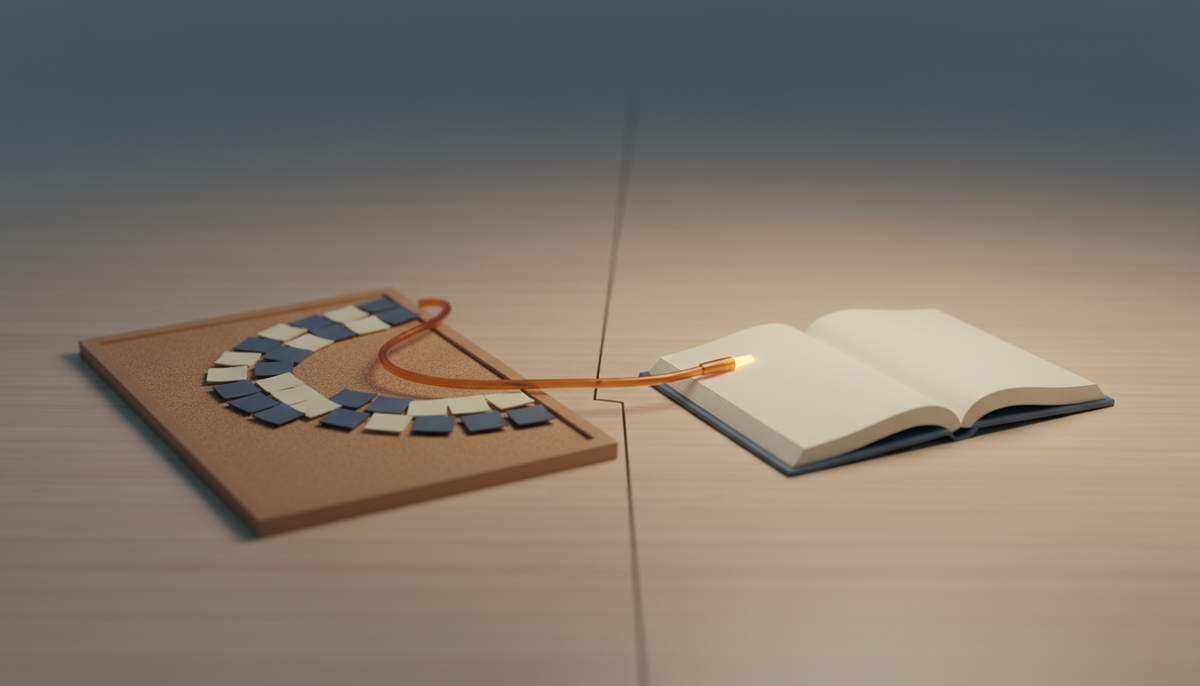
You have a board for tasks. You have a doc tool for notes. And you spend half your day copying things from one to the other.
That's the problem Zoobbe was built to fix.
Here's the short version: Zoobbe is Trello's boards plus Notion's docs in one workspace, and your team edits them together, live. Free forever, no credit card.
Now the longer version, in plain English.
The two-tool problem
Most teams end up with two tools.
One is a board. Cards, columns, drag things from "To Do" to "Done." Trello made this famous, and it's genuinely great. Simple, visual, anyone gets it in five minutes.
The other is a doc. The place where the real thinking lives: the spec, the meeting notes, the project brief. Notion made this famous, and it's genuinely great too. Flexible, rich, endlessly organizable.
So why is everyone still annoyed?
Because the board and the doc don't talk to each other. Your plan lives in one app. The work lives in another. The card says "build the thing," and the doc explaining what "the thing" is sits three tabs away.
You copy links back and forth. You paste updates twice. Something changes in the doc, and the board never finds out.
The board knows what to do. The doc knows why. They just never met.
What Zoobbe actually is
Zoobbe puts both in the same workspace.
Boards work the way you'd expect. Lists and columns. Cards you drag across them. Color-coded labels, due dates with reminders, priorities, multiple assignees, checklists, file attachments, and threaded comments with @mentions. If you've used a Kanban board, you already know how to use this.
Pages are the doc side. Rich text, built on Lexical. You can nest pages inside pages, add cover images, and share each one with clear roles: viewer, commenter, editor, or owner. This is where the spec and the notes live, right next to the board that acts on them.
And here's the part most tools can't do.
Real-time editing, for real
When two people open the same page in Zoobbe, they edit it together. Live. No refreshing. No "who has it open?" No copy that overwrites your teammate's edit.
You can see who's viewing or editing a page right now, too.
This runs on Yjs, a CRDT engine, which is the boring-but-important detail. It means two people can type in the same place at the same time and nothing gets lost. Most board tools bolt on a comment field and call it collaboration. This is the actual thing.
One honest note: you see presence, not live cursors. You'll know a teammate is on the page. You won't see the exact letter their cursor is on. We'd rather tell you that than let you find out later.
The stuff Trello makes you bolt on
Trello's board is lovely right up to the moment you need more.
You want a spec attached to the work. You want custom fields. You want to track time. Suddenly you're shopping for Power-Ups, plugins, and a second subscription.
Zoobbe has that part built in:
- Custom fields on cards: text, number, date, or single-select.
- Time tracking per card, with a stopwatch or a countdown, pause and resume, and session history that adds up.
- Automations: simple "when this happens, do that" rules. Card moves to a list, so it gets assigned. Due date passes, so someone gets pinged. You can even run rules on a schedule.
- My Day: a personal task list that carries unfinished items to tomorrow, so nothing quietly falls off.
None of that is a paid add-on hunt. It's just there.
Already on Trello? Bring it over
If your team already lives in Trello, you don't have to start from scratch.
Zoobbe imports your Trello board, with cards, checklists, comments, and members, and shows you the progress as it runs. Fluent Board imports work too.
So the switch isn't "rebuild everything by hand." It's "bring your board, keep going."
See boards + live docs together, start free, no card. Try Zoobbe free.
Where Notion fans land
If you love Notion's docs, you already know its soft spot.
The Kanban is a database view, not a real board. There's no built-in time tracking. Automations are limited. It's a beautiful place to write, and a slightly awkward place to run the work.
Zoobbe flips that. You get a proper board and proper docs, side by side, in one place. You write the plan on a page, and the cards that do the work sit in the same workspace, edited by the same team, in real time.
What else is in the box
A few more things worth knowing, without the sales voice:
- AI help: a chatbot that can create and move cards or answer questions about your board, plus insights like bottleneck detection and workload balancing. (These use credits.)
- Templates: ready-made page templates for meetings, planning, projects, and docs.
- Search: global search across board and card titles. Titles for now, not full document text yet.
- A real API and webhooks: if you're technical, there's an OAuth 2.0 setup, API keys with scopes, and signed webhooks. You can also import via a WordPress plugin.
- White-label: agencies can put their own domain, logo, and colors on it, and hide Zoobbe entirely.
So, what is Zoobbe in one line?
It's the board and the doc, finally in the same room, edited by your whole team at once.
No more copying the plan into the tasks. No more two tabs, two tools, two truths.
The free plan is free forever, and it doesn't ask for a card to start. So the easiest way to understand Zoobbe isn't to read about it. It's to open a board and a page next to each other and watch them work together.
See boards + live docs together, start free, no card. Start free at zoobbe.com.
FAQ
Is Zoobbe really free?
Yes. There's a Free plan that stays free, and you don't need a credit card to sign up. Paid tiers exist for bigger teams and extra features, but you can start and stay on Free.
How is Zoobbe different from Trello?
Trello is a great board. Zoobbe gives you that same kind of board plus built-in docs, custom fields, time tracking, and automations, without hunting for add-ons. And it imports your existing Trello board in a click.
How is it different from Notion?
Notion is a great doc tool with a light Kanban. Zoobbe has a proper board, real time tracking, and automations, sitting right next to Notion-style pages.
Can my team really edit the same page at once?
Yes. Pages support real-time collaborative editing, so two people can work on the same page live without refreshing. You'll see who else is there, too.
Can I move my Trello boards over?
Yes. Zoobbe imports Trello boards with their cards, checklists, comments, and members, and shows progress while it runs.