
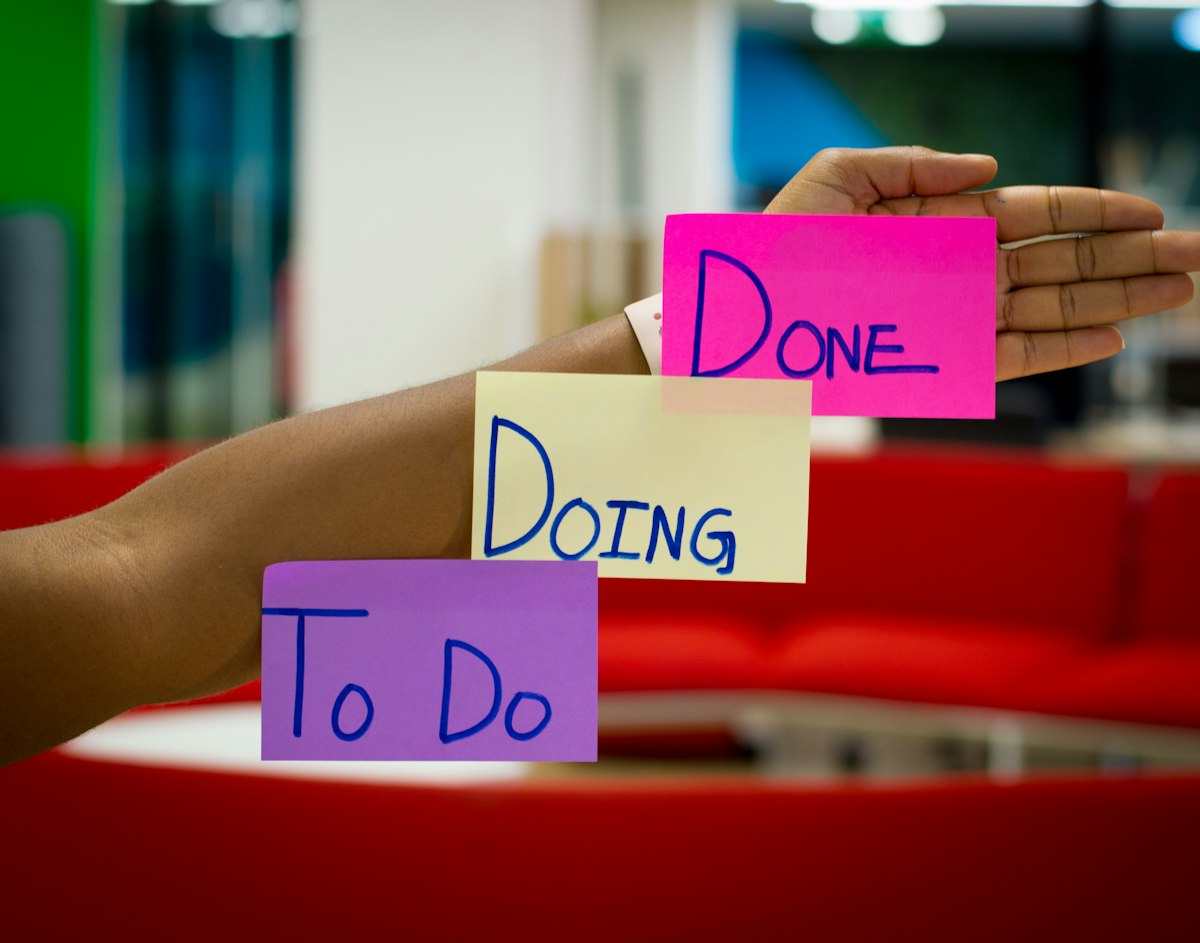
Trello boards are simple. Zoobbe boards do more — without adding the complexity that makes tools hard to use. If your team uses Trello and has hit its limits, the migration to Zoobbe is simpler than you expect.
Why Teams Outgrow Trello
Trello works well for small teams with simple projects. Teams outgrow it when they need time tracking, better reporting, automations, or more than one board that needs to connect. Trello's Power-Up ecosystem fills some gaps but adds cost and complexity.
Zoobbe has these features built in. The board interface is similar, which means your team already understands the concept. The learning curve is shallow.
What Transfers Directly
Trello boards transfer to Zoobbe boards with minimal changes. Lists become columns. Cards become tasks. Labels map to tags. The basic structure is the same.
Your Trello Power-Ups do not transfer. If you use Calendar Power-Up, time tracking in Zoobbe replaces it. If you use custom fields, Zoobbe's custom fields cover the essentials.
Keep the board metaphor. Add the features that Trello makes you pay for.
Export from Trello
Trello's export is JSON-based. You can also use the Butler export to get your automation rules. For most teams, the JSON export is sufficient — it contains your boards, lists, cards, and labels.
Convert Trello JSON to a format Zoobbe can import. The import tool handles the structure directly.
The Zoobbe Board Advantage
Zoobbe boards support more than Trello lists. Time tracking attaches to each task. Comments thread under tasks. Attachments live with the work. The board shows not just what is in progress, but who is working on what and how long each piece of work is taking.
This is the upgrade your team was looking for when they started paying for Trello Power-Ups.
Zoobbe is free for teams up to fifteen. Standard at 4.99 per seat adds unlimited collaborators.