
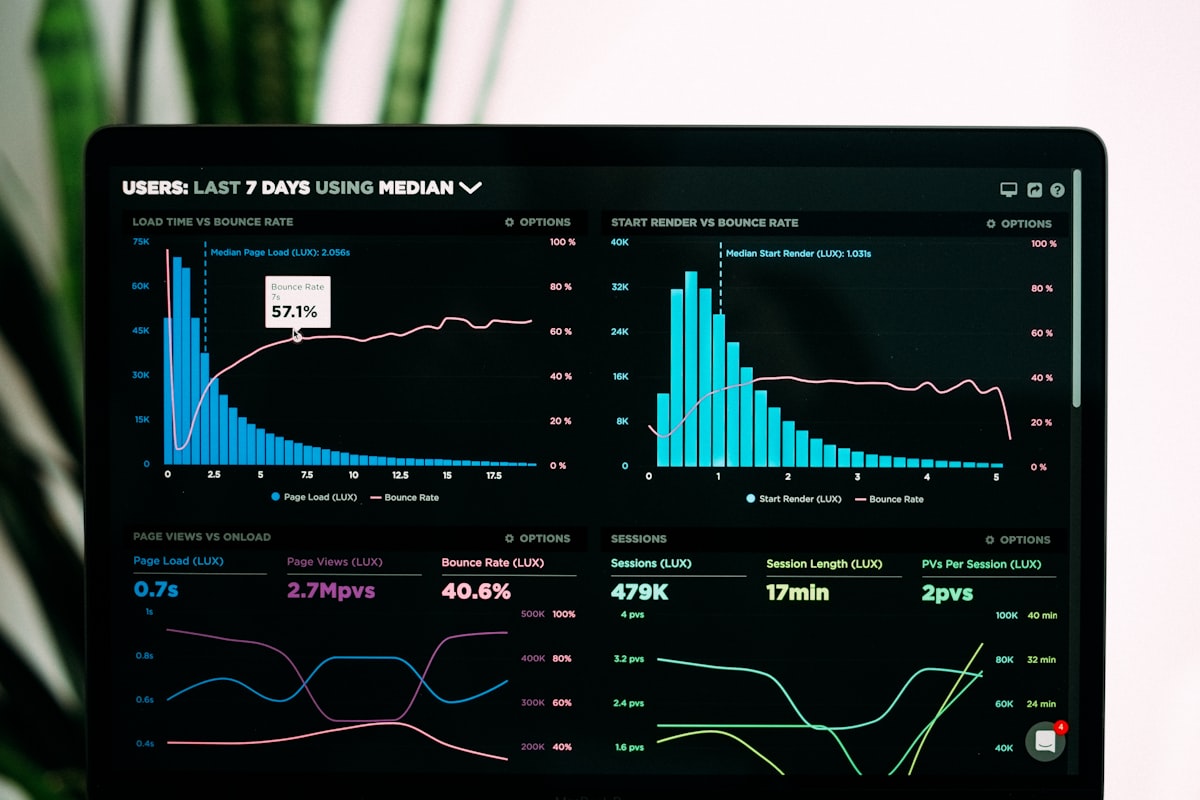
Most project dashboards tell you what already happened. The sprint is over, the burndown chart shows you missed the target, and the retrospective notes say "we should have caught this earlier." This is reporting, not management. Real-time project management means the data is live enough that you can act on it while there is still time to act.
The shift from periodic reporting to real-time visibility is one of the defining project management trends of 2026. It is driven by two things: teams that are too distributed to have informal check-ins, and AI tools that make real-time analysis automatic rather than a manual reporting exercise.
Why Static Dashboards Are a Liability
A weekly status report tells the project manager what the situation was on Friday afternoon. It tells the stakeholder what the situation was when the project manager wrote the report, which is often several hours of lag. By the time the report reaches the stakeholders, the situation may have changed. The report is a snapshot of history, not a picture of the present.
The problem is not that project managers do not want real-time data. The problem is that building a real-time dashboard usually requires custom reporting setup, data integrations between tools, and someone to maintain the pipeline. For most small teams, this is not a viable investment.
What Real-Time Actually Means in Practice
Real-time project management does not mean you are looking at a live feed of your team is work. It means the data is current enough that you can make decisions with it while those decisions still matter. In practice, this means time tracking that is logged on the day the work happens, not at the end of the sprint. It means board views that reflect the current state of cards, not a snapshot from the morning standup. It means automated alerts when a task has been in progress longer than expected.
The baseline for real-time is simpler than most teams think. If your team is logging time daily and moving cards on the board as work progresses, you have the data. The question is whether that data is visible in a way that lets you act on it, or whether it is locked in individual time logs that nobody synthesizes until the retrospective.
The Analytics Layer That Changes How You Manage
The most useful real-time indicator is not a chart — it is a flag. When a task has been in progress for longer than its estimate, the project manager should know before the daily standup, not after. When a team member is carrying more tasks than their typical velocity supports, the over-allocation should be visible in the board view. These signals do not require complex analytics — they require the time tracking data to be connected to the task board and surfaced automatically.
The shift that is happening in 2026 is AI-assisted anomaly detection. Rather than relying on the project manager to notice when something is off, AI tools monitor the data continuously and surface issues when they cross thresholds. A sprint that is running at sixty percent of expected velocity triggers an alert. A dependency chain where an upstream task is at risk triggers a notification. These are the analytics that change outcomes — not historical charts that confirm what went wrong after the sprint is over.
How Zoobbe Handles Real-Time Visibility
Zoobbe time tracking logs hours against tasks as work happens. The board shows the current state of every card, not a snapshot from a reporting interval. Task progress is visible to the project manager in real time, with time tracked against each card providing the data layer for velocity analysis. When a task estimate is exceeded, the project manager sees it in the board view. The analytics are built into the tool rather than requiring a separate reporting layer.
Free for teams up to fifteen. Standard at 4.99 per seat adds unlimited collaborators and automations that can be configured to alert on task duration thresholds, over-allocation, and dependency blockers.