
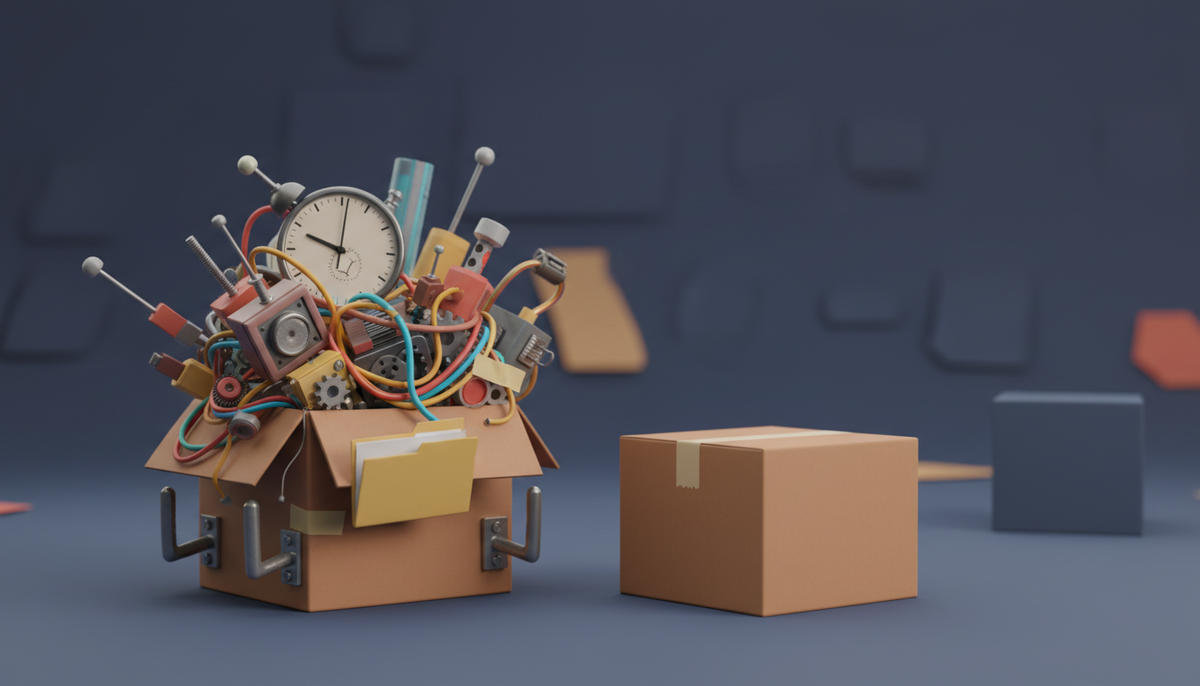
You know the moment. Someone asks where the spec lives. The card says "see doc." The doc is a Google Doc linked in a comment from March. Nobody has opened it since.
That is not a Trello bug. Trello is a very good board. Drag a card, move it right, feel good. It has been the best on-ramp to project management for a decade, and it earned that.
But a board is a board. The day your team needs a written spec, a field for story points, and a timer on a billable task, you start shopping. In Trello, shopping means Power-Ups.
Zoobbe is Trello's boards plus Notion's docs in one workspace, and your team edits them together, live. Free forever, no credit card. If you are outgrowing Trello, this post is the honest version of what you actually gain and what you give up.
The Power-Up tax is real, and it's sneaky
Power-Ups are Trello's answer to "the board can't do that." Some are free. Many are not. Each paid one is its own vendor, its own bill, its own login.
So a mid-size team ends up here:
- A custom fields add-on, so a card can hold an estimate.
- A time tracking add-on, so you can bill or forecast.
- A docs tool bolted on, because cards can't hold a spec.
- A reporting add-on, because someone asked "are we on track?"
Four things. Four bills. Four places where data goes to hide.
The cost is not just money. It's that your project truth is now split across tools that don't know each other exist.
What breaks first
In our experience the seams show up in this order.
1. The spec has nowhere to live
A card description is a text box. It's fine for "fix the login button." It is not fine for a launch plan with sections, a table, and three open questions.
So the doc moves to another tool. Then the card and the doc drift apart. Then someone builds the old version.
2. The card can't hold the info
You want an estimate, a client name, a launch date that isn't the due date. Without custom fields, teams cram it into the title. You have seen the result: [8pts][ACME][P1] Redesign onboarding.
No amount of team discipline fixes a tool that can't hold the info.
3. Nobody knows where the time went
Agencies feel this first, but everyone gets there. "Did that take two days or two weeks?" The board doesn't know. It only knows the card moved.
What Zoobbe includes instead of selling it to you
Here is the built-in list, so you can check it against your Power-Up receipts.
| What you need | In Zoobbe |
|---|---|
| Kanban board | Lists, cards, drag and drop, labels, priorities, due dates, checklists, multiple assignees |
| Real docs | Notion-style pages with rich text, nested page hierarchy, cover images, attachments |
| Live co-editing | Two people in the same page at once, no refresh, powered by Yjs CRDT |
| Custom fields | Text, number, date, and single-select on cards |
| Time tracking | Countdown and stopwatch timers per card, pause and resume, session history |
| Automations | Trigger, condition, action rules. Plus scheduled rules on a cron |
| Analytics | Completion rate, overdue counts, average completion time, trend data |
The live page editing is the part most competitors don't have. You and a teammate type in the same doc, at the same time, and both see it. That's the CRDT doing the work, not a refresh button.
Moving your boards over
This is the part people dread, so here's the plain version.
Zoobbe has a built-in Trello import. It brings across cards, checklists, comments, and members, and shows you import progress while it runs. We also import Fluent Board.
We are not going to promise you a number of minutes. It depends on your board. What we will say: you don't rebuild it by hand, and you don't need a CSV middleman.
A sane order of operations:
- Import one real board. Not your biggest. Your messiest.
- Add the two or three custom fields you were faking in card titles.
- Move one spec into a page and link it from the card.
- Turn on one automation. Something boring, like "card moved to Done, mark complete."
- Run a week. Then decide.
Start with the Trello outgrower workflow, free. Free forever, no credit card.
The honest part: when you should stay on Trello
We would rather you trust this post than switch and regret it.
Stay on Trello if your board is simple and it's working. If nobody is asking for docs, nobody needs a timer, and the card title is not doing three jobs, you don't have a problem. Adding a tool to a working process is how you break the process.
Stay on Trello if you live on mobile. Trello has native iOS and Android apps. Zoobbe is web only, responsive but web. That's a real gap and we're not going to pretend otherwise.
Also worth naming honestly:
- Notion writes beautiful docs. If docs are 90% of your work, it may be the better home. Its Kanban is a database view, not a board built for flow, and it has no built-in timers.
- ClickUp has almost everything. That is both the pitch and the problem. Some teams want fewer knobs.
- Linear is excellent for engineering. If your whole company is engineers, look at it. If you have marketing, ops, and clients on the same boards, it gets narrow.
A quick self-test
Count how many of these are true this week:
- A card title contains a bracket doing the job of a field.
- A spec lives in a different tool than the work.
- Someone asked "how long did that take?" and nobody knew.
- You are paying for at least one Power-Up.
- Two people edited the same doc and one lost their changes.
Three or more and you've outgrown the board. That's not a failure. It's what happens when the work gets real.
FAQ
Will my Trello checklists and comments survive the import?
Yes. The Trello import brings cards, checklists, comments, and members, with live progress while it runs.
Is the free plan actually free, or a trial?
There is a real Free tier, alongside Standard, Premium, and Enterprise. You can start without paying.
Does Zoobbe show live cursors like Google Docs?
Not cursors. You get live presence, so you can see who is viewing or editing a page right now, and edits sync in real time. We'd rather tell you the exact shape of it than oversell.
Can I search inside my documents?
Search covers board and card titles today. Full-text search across page content is not there yet.
Do I have to move everything at once?
No. Import one board, run it in parallel for a week, and keep Trello open. Nothing forces a cutover date.
The short version
Trello got you started and it did a good job. But when the board needs a doc, a field, and a clock attached to it, you're not buying features anymore. You're buying four vendors and a filing problem.
Zoobbe puts the board, the docs, the fields, and the timers in one place, and imports your Trello boards so you don't start from an empty screen.
Start with the Trello outgrower workflow, free. Free forever, no credit card.