
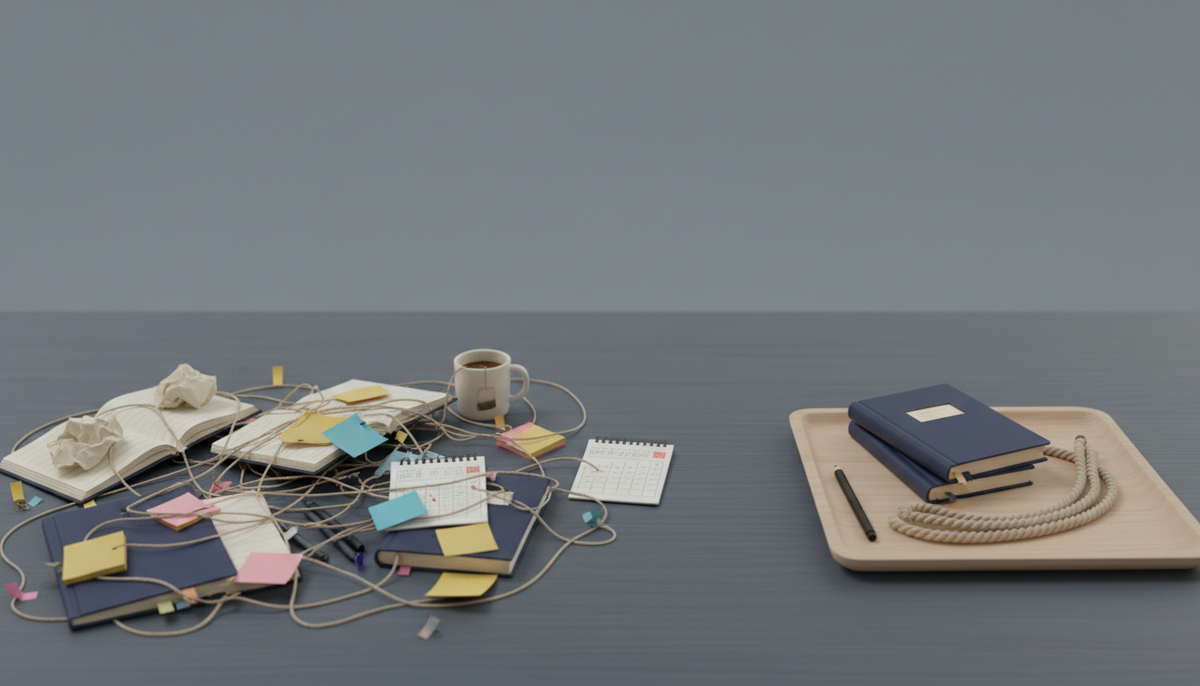
You started building solo. Now you have a Trello board, a Notion doc, a Google Sheet, and a Slack channel talking to itself.
None of them know the other exists.
You are the integration. Every morning you open four tabs and copy things between them. That's not a workflow. That's a chore you invented.
This post is about fixing that with one free tool. No sales pitch dressed as advice. Just the honest version.
What Zoobbe actually is
Zoobbe is Trello's boards plus Notion's docs in one workspace, and your team edits them together, live. Free forever, no credit card.
If you're solo, that last part matters more than the collab. You don't have a team to convince. You sign up, and it works.
Here's the plain version of the three things you get:
- Boards for your tasks. Lists, cards, drag-and-drop. Same feel as Trello.
- Pages for your notes and docs. Rich text, nested pages. Same feel as Notion.
- My Day for what you're doing today. A personal list that carries unfinished tasks forward.
All in one login. Your notes sit next to your tasks. No copy-paste tax.
Why solo builders end up with five tools
It's not because you love tools. It's because each one is great at exactly one job.
Trello's board is genuinely nice. Clean, fast, easy to think in. But the moment you need to write a spec, track how long something took, or add a field for "estimated hours," you hit a wall. So you open Notion.
Notion is a beautiful place to write. But its Kanban is an afterthought, and it can feel like building furniture before you can sit down.
So now you have both. And a calendar. And a notes app you forgot about.
No amount of discipline fixes a setup that can't hold your work in one place.
The solo builder workflow, start to finish
Let me show you the actual setup. You can copy it in a few minutes.
1. One board for the product
Make a board. Add four lists: Ideas, This Week, Doing, Shipped.
Every task is a card. Drag it right as it moves. That's the whole system.
Add labels by area — frontend, marketing, bug. Add a priority if it helps: Normal, High, Low, or Urgent.
2. Custom fields for the stuff Trello can't hold
On each card, add custom fields. Text, number, date, or a single-select.
Use a number field for a rough hour estimate. Use a date for a soft deadline. This is the part that usually sends you to a spreadsheet. It lives on the card now.
3. A page for the messy thinking
Some tasks need more than a title. A landing page needs copy. A feature needs a rough spec.
Write that on a Page. Keep pages nested under one "Docs" page so they don't scatter. Your writing and your board share the same workspace, so you stop hunting across apps.
4. My Day for the actual today
This is the one I'd fight for.
Every morning, open My Day. Pull in the two or three cards you'll actually touch today. Add a quick time estimate and a note if you want.
Didn't finish something? It carries forward to tomorrow on its own. No re-adding, no guilt list from three weeks ago.
Your board is the plan. My Day is the promise you make to yourself before lunch.
Start with the solo builder workflow, free. Free forever, no credit card — start here.
Coming from Trello? Bring it with you
You don't have to rebuild anything.
Zoobbe imports your Trello board in one click — cards, checklists, comments, and members come along. Open your old setup inside the new one and keep going.
Then add the parts Trello never had: docs, custom fields, and time tracking, all built in.
The time tracking bit, honestly
Each card has a timer. Countdown or stopwatch. Start it when you sit down, pause when you get pulled away, complete it when you're done.
It keeps session history so you can see where the week actually went. It's not a fancy reporting dashboard. It's a simple honest record of your hours, which is usually all a solo builder needs.
Where Zoobbe is not the answer
Fair is fair.
If you only ever need a plain checklist, a notes app is lighter. If your whole life is writing and you never touch a board, Notion's editor is deeper.
Zoobbe wins when you're doing both — planning work and writing about it — and you're tired of paying the switching cost between two apps.
For most indie hackers shipping a product alone, that's every single day.
Key takeaways
- Zoobbe puts tasks, notes, and your daily plan in one free workspace.
- Boards feel like Trello; Pages feel like Notion; My Day is your today list.
- Custom fields and time tracking live on the card, so you can drop the spreadsheet.
- Import your Trello board in one click and keep your history.
- Free forever, no credit card. Nothing to set up with a team.
FAQ
Is Zoobbe really free for one person?
Yes. There's a Free forever plan and no credit card to start. Solo use activates instantly — no team to invite or approve.
Can I move my Trello board over?
Yes. Zoobbe imports Trello boards including cards, checklists, comments, and members. It tracks the import progress as it runs.
Does it work offline or as a mobile app?
Zoobbe is web-based and works in your browser on any device. There's no separate native app to install.
What is My Day exactly?
It's a personal daily task list with its own order, time estimates, and notes. Unfinished tasks carry forward to the next day automatically.
Can I write docs, not just make cards?
Yes. Pages give you rich text and nested docs in the same workspace as your boards, so your notes and tasks stay together.
Ready to stop juggling tabs? Start with the solo builder workflow, free. Free forever, no credit card — try Zoobbe.