
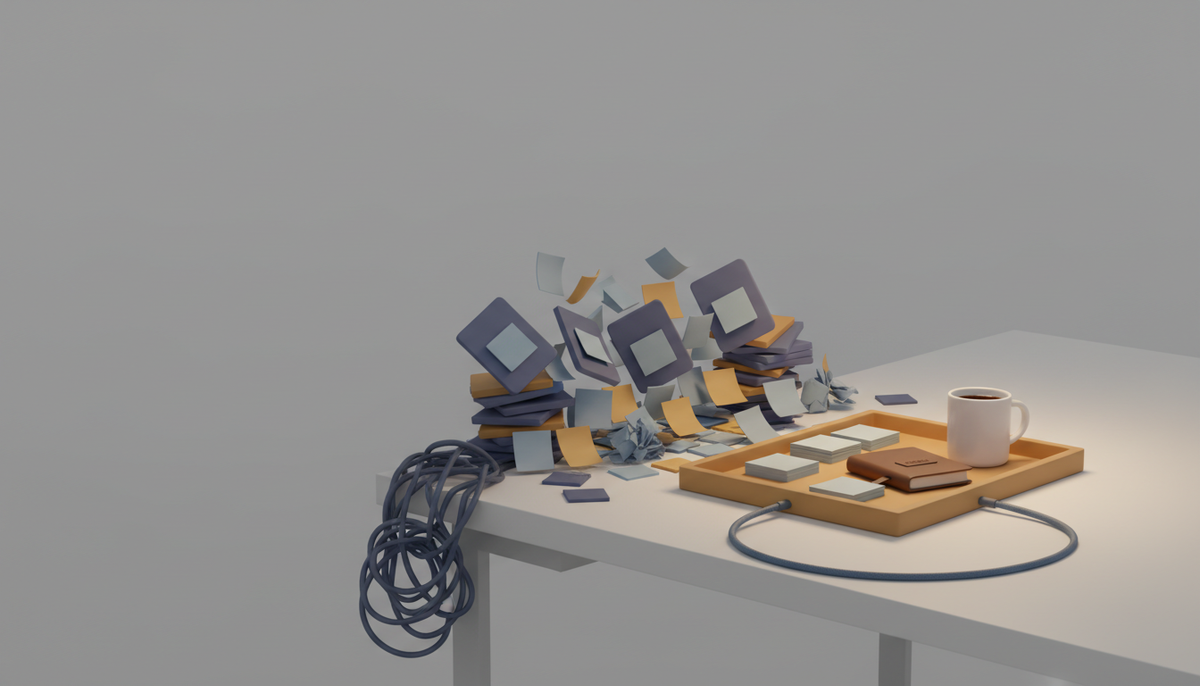
It's Tuesday morning. You have a Trello board for your product, a Notion doc for your ideas, a Google Doc of half-finished specs, and a sticky note that just says "call the bank."
You open three of them before coffee. You still don't know what to work on first.
This is the solo builder tax. Not the code. The context-switching.
You're one person doing product, marketing, support, and finance. The last thing you need is five apps that don't talk to each other.
So let's fix that.
What Zoobbe actually is
Zoobbe is Trello's boards plus Notion's docs in one workspace — and your team edits them together, live. Free forever, no credit card.
If you've used Trello, the board will feel like home in about ten seconds. Lists, cards, drag-and-drop. If you've used Notion, the pages will too. Rich text, nested pages, cover images.
The difference is they live in the same place. Your task board and the doc explaining it are one click apart, not one app apart.
And there's a third piece most tools skip: a plan for today.
Why solo builders get stuck
Team tools assume you have a team. Standups, approvals, assignees, sprint ceremonies. Great for a company of 40. Silly for a company of one.
The other trap is the opposite: a tool so freeform it becomes a junk drawer. You can put anything anywhere, so you put everything nowhere.
You don't need more structure to fight. You need less friction to start.
That's the whole pitch here. No team to convince. No setup weekend. You sign up and you're building.
Start your day in My Day
Here's the part that changed how I plan, and it's the feature I'd point a new solo builder to first.
My Day is a personal daily task list. It's just yours. It doesn't care about the board, the sprint, or anyone else's work.
Every morning you pull the handful of things that actually matter today into one short list. You can drag them into the order you'll do them. Add a quick time estimate. Jot a note so future-you remembers what "fix the thing" meant.
The best part: anything you don't finish carries over to the next day on its own. No re-typing yesterday's guilt. It just shows up again, waiting.
So a normal morning looks like this:
- Ship the pricing page copy — 45 min
- Reply to the two support emails — 15 min
- Draft the launch tweet — 20 min
Three items. A rough clock on each. That's a workable day, not a wish list.
Start with the solo builder workflow, free — no credit card. You can set up your first My Day list in the time it took to read this section. Try it here.
Tasks and notes, finally in one place
Your day is the front door. Behind it sits the real work.
The board holds your tasks. Cards for features, bugs, content, whatever you're shipping. Each card can carry a lot without getting messy:
- Color labels and a priority (Normal, High, Low, Urgent)
- Due dates with reminders
- Checklists for the small sub-steps
- Custom fields — text, number, date, or a single-select — so "which repo" or "ARR impact" lives on the card, not in your head
- File attachments and threaded comments
Then there are Pages. This is where the docs live. Your product spec, your ideas dump, your "why did I build it this way" notes. Rich text, nested pages, the works.
Since it's one workspace, your spec page and the card that builds it aren't strangers. The messy pile of Google Docs, Trello, and sticky notes becomes one thing you actually check.
The honest Trello comparison
Trello is genuinely good. The board is clean, it's fast, and it's the reason a lot of us learned to think in cards. No notes here.
The seam shows up when your project grows past a checklist.
You want a real doc, not a card description. You want a custom field to track something. You want to see where your hours actually went. In Trello, each of those means a Power-Up, a second tool, or a spreadsheet you'll forget to update.
Zoobbe has those built in. Docs, custom fields, and time tracking are part of the box, not add-ons you bolt on later.
And you don't have to abandon what you've built. You can import your Trello board into Zoobbe — cards, checklists, comments, and members come along. Keep your history, drop the tab-juggling.
Use the tool that fits your project's size today, not the one you'll outgrow next month.
When "solo" turns into "two"
Most indie projects stay small. Some don't. Zoobbe is fine with either.
The day you bring on a co-founder, a contractor, or your first hire, the workspace is already team-ready. You can both edit the same page at the same time, live — that's real-time collaborative editing, not "refresh and hope." You'll see who's viewing what.
Nothing to migrate. Nothing to relearn. The tool that worked for one just... keeps working.
Key takeaways
- Zoobbe puts tasks, notes, and your daily plan in one free workspace.
- My Day is your personal daily list — estimates, notes, and automatic carry-over.
- Boards handle tasks; Pages handle docs; they live together.
- It does what Trello does, plus docs, custom fields, and time tracking built in.
- Import your Trello board and keep your cards, checklists, and comments.
FAQ
Is Zoobbe really free?
Yes. There's a Free forever plan and it doesn't ask for a credit card to start. Paid tiers exist for when you need more, but you can build a real workflow without paying.
Do I need a team to use it?
No. It works great for one person. The collaboration features sit quietly in the background until you actually add someone.
Can I move my Trello board over?
Yes. You can import a Trello board and bring its cards, checklists, comments, and members with it, so you don't start from an empty screen.
How is this different from Notion?
Notion is a wonderful doc tool. Zoobbe gives you a proper Kanban board, custom fields, and time tracking alongside the docs — the project-management side, not just the writing side.
What if I just want to plan my day?
Then start with My Day and ignore the rest. It's a clean daily list with estimates and carry-over. You can grow into boards and pages whenever you're ready.
Start with the solo builder workflow, free. No credit card, no team to set up — just your tasks, your notes, and your day in one place. Get started at zoobbe.com.