
If you run a design team at a startup or an agency, you already know the pattern. The PM tool was bought for engineering or for client tracking, and design got bolted on later. Requests arrive in Slack, in email, in a hallway, in a comment on last week's mockup. Files live in three places. Feedback lives in five. And every Monday you spend an hour reconstructing what is actually in flight.
The fix is not another tool that lists "design support" as a feature buried on its pricing page. The fix is structuring the tool you use around how design work actually moves: a request comes in, a file goes out, feedback comes back, and the loop closes. This post walks through how to set that up so your queue stays clean and nobody asks "where's the latest version?" again.
Key takeaways
- Design work has three pressure points: intake, handoff, and feedback. Structure your board around those, not around generic "to do / doing / done".
- A single request queue with custom fields beats a flooded inbox. Capture the brief once, at intake.
- Keep the design file link and every round of feedback on the same card, in one threaded conversation.
- Automations move cards through stages so your designers stop dragging things around manually.
- Real-time pages give you a shared brief that updates live, instead of a stale doc nobody reopens.
Start with the request queue, not the kanban board
Most design teams set up a board with columns like To Do, In Progress, and Done. That works for tracking, but it skips the hardest part: intake. The bottleneck in agency and startup design is rarely the work itself. It is the steady drip of half-formed requests that arrive without context.
Build a dedicated intake list and make every request enter through it. In Zoobbe, you can add custom fields to cards, so a design request card can carry the brief in a structured way: a single-select field for request type (logo, landing page, social asset, deck), a date field for the deadline, a text field for the goal, and a number field for the number of deliverables. Now the brief is captured once, at the moment of request, instead of reconstructed three days later over DMs.
Set card priorities so the queue sorts itself. Zoobbe cards support Normal, High, Low, and Urgent priorities, plus due dates with reminders. A designer scanning the queue can see what is actually on fire versus what merely feels urgent because someone said "quick favor."
The point of a request queue is not bureaucracy. It is so your designers spend their morning making things, not decoding what someone meant by "make it pop."
Handoff: one card, one source of truth for the file
Here is where design teams lose the most time. The work gets done in Figma or in your design tool of choice, and then the link gets pasted into a chat, copied into an email, and forgotten by Thursday. By the next review, three versions are floating around and nobody is sure which one the client saw.
The structural fix is simple: the design file link lives on the card, and only on the card. Keep the working file URL in the card description, attach supporting exports directly to the card, and treat that card as the single address for the deliverable. Zoobbe supports file attachments stored on S3 with expiring secure links, so the exported assets ride alongside the request that spawned them.
For larger deliverables that need real documentation, a brand guide, a component spec, a launch plan, use a Page instead of cramming it into a card description. Zoobbe Pages are Notion-style rich text documents with nested hierarchy, custom cover images, and sharing roles down to viewer, commenter, editor, and owner. You can share a spec with a client as commenter and keep the rest of the workspace private.
Feedback in one thread, not five channels
The thing that quietly destroys design velocity is scattered feedback. The client comments in email. The PM pastes a screenshot into Slack with a red circle. A stakeholder replies-all with "looks great but can we see it in blue?" Your designer is now a feedback archaeologist.
Consolidate it. Every card in Zoobbe has threaded comments with @mentions, so the entire feedback conversation for a deliverable lives in one place, attached to the work it is about. When the client says "go bolder," that note sits on the same card as the file, the brief, and the deadline. The next round of revisions has full context without anyone scrolling through a chat history.
Use @mentions to pull the right person in at the right moment, and add watchers so stakeholders who need to stay informed get notified without being assigned the work. Designers stay focused; reviewers stay in the loop; nobody has to forward anything.
Let automations move the work so designers don't have to
Once intake, handoff, and feedback live on the board, automate the transitions. Dragging cards between columns is busywork, and busywork is exactly what a design manager should be deleting from the day.
Zoobbe automations follow a trigger, condition, action model. A few that fit a design workflow:
- When a card moves to your "In Review" list, automatically notify the requester so they know it is ready to look at.
- When a label like "Approved" is added, move the card to your delivery list and mark it complete.
- When a due date is approaching, send a notification so nothing slips silently.
- On a schedule (via cron), surface a recurring asset request, like a weekly social batch, without anyone remembering to create it.
The result is a board that mostly runs itself between the moments that actually need a human decision.
Keep the brief alive with real-time pages
Startup and agency briefs change. The deadline moves, the scope creeps, the stakeholder changes their mind. A static brief doc goes stale the moment it is shared. Zoobbe Pages are collaboratively editable in real time, backed by a CRDT, so two people can edit the same brief at once without overwriting each other, and live presence shows who is in the document with you. The brief is a living surface, not a snapshot emailed on day one.
A simple board layout to copy
If you want a starting structure, here is one that maps to the three pressure points:
- Requests (intake, with custom fields for type, deadline, goal)
- Briefing (clarifying scope before work starts)
- In Progress (active design)
- In Review (feedback thread is open)
- Revisions (changes requested)
- Approved / Delivered (closed loop)
Wire automations between In Review, Revisions, and Approved, and your designers stop managing the board and start using it.
Why a structured tool beats a general one
The argument is not that design teams need their own niche software. It is that design teams need a tool flexible enough to be structured around their workflow, instead of one where design is a second-class checkbox. Kanban for the queue, pages for the briefs, threaded comments for feedback, automations to move it all along. When those four things live in one place, the handoff problem mostly disappears.
FAQ
How should a design team structure a project management board?
Build it around the three pressure points of design work: intake, handoff, and feedback. Start with a dedicated request queue that captures the brief via custom fields, keep the design file link and feedback on a single card, and use automations to move cards between review stages.
Where should design feedback live?
On the card for the deliverable, in one threaded comment conversation. Scattering feedback across email and chat forces designers to reconstruct context every revision. Keeping it on the card means the file, the brief, and the notes all share one address.
How do you handle design file handoff without version chaos?
Treat the card as the single source of truth. Keep the working file link in the card description and attach exported assets directly to the card, so there is exactly one place to find the latest version.
Can automations help a design workflow?
Yes. Use trigger, condition, action rules to notify requesters when work hits review, move cards when an approval label is added, and warn the team as due dates approach, so designers spend less time managing the board.
Is this useful for an agency managing multiple clients?
It is. A request queue per client board keeps intake clean, page sharing roles let you share specs with clients as commenters while keeping internal work private, and a consistent board structure means every project runs the same predictable way.
Want to set this up for your team? Start structuring your design workflow in Zoobbe and turn the request-to-delivery loop into something that runs itself.
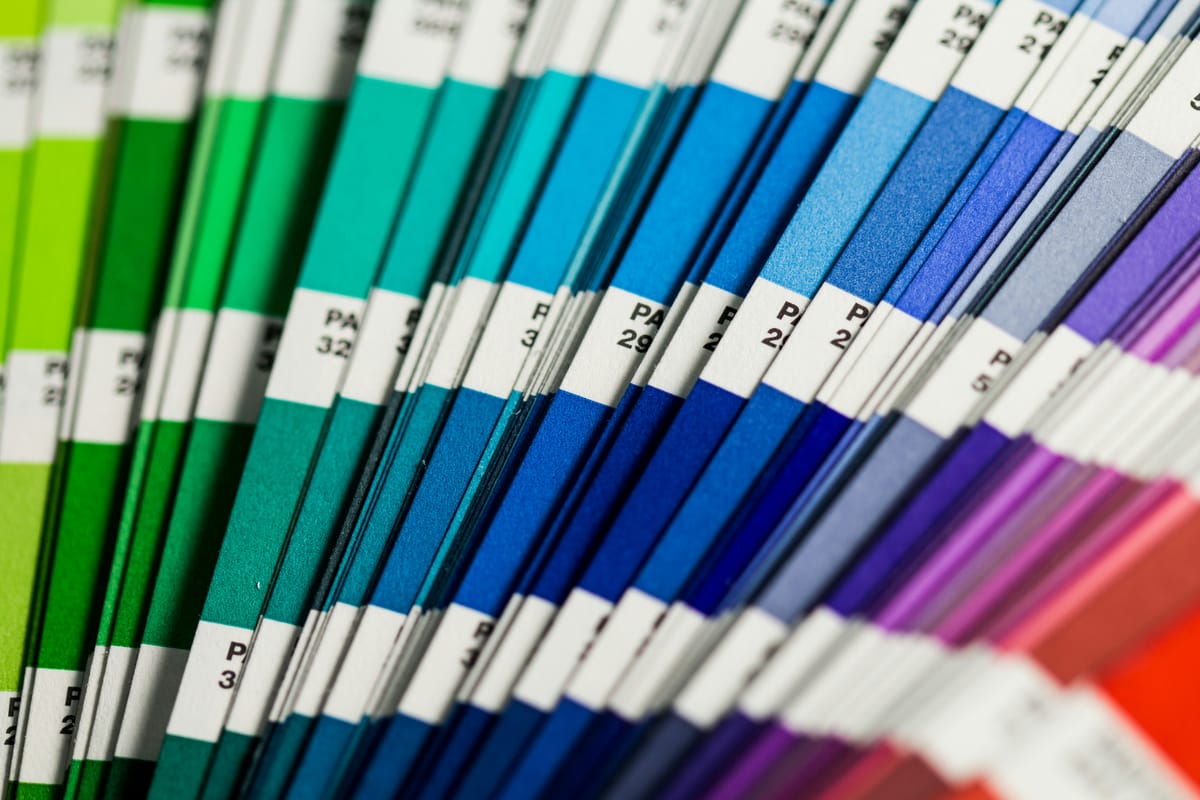
Photo by Christina Rumpf on Unsplash